
ad
Introduction
If you're running a blog or building a content strategy, the hardest part is often finding what people are actually searching for.
That's exactly what Keyword Insight was built for.
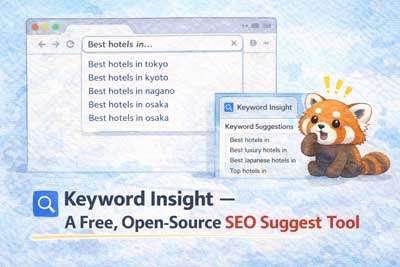
Keyword Insight is a lightweight, browser-based tool that fetches real-time search suggestions directly from Google and Bing. It reveals the keywords that everyday users are actively typing into search engines — giving you an honest, data-driven view of search demand before you write a single word.
No API key. No login. No subscription fee. Just open it and start discovering keywords.
What This Tool Does
🔍 Real-Time Suggest Extraction
Type any seed keyword and instantly retrieve the autocomplete suggestions that Google and Bing serve to users. These suggestions are powered by real search volume data and trending queries.
🌐 Multi-Engine Support
Switch between Google, Bing, or fetch from both at once to compare what each engine surfaces for the same topic.
🗂️ Bulk Extraction (50-Sound / Alphabet mode)
With one click, the tool automatically appends every Japanese mora (あ〜わ) or letter (A–Z) to your keyword and collects all variations — giving you a comprehensive keyword map in seconds.
📋 One-Click Copy
Export the full list of discovered keywords to your clipboard instantly, ready to paste into your spreadsheet, Notion doc, or SEO tool.
🔗 Check Top Search Results
Each keyword is clickable. Tap any suggestion and the top search results for that word open in a new tab — so you can analyze the competition on the spot.
Use Cases
- Blog content planning: Find what questions your audience is asking, then write the answer.
- SEO research: Discover long-tail keywords with actual search demand, not just guesses.
- Competitor analysis: See what content ranks for closely related queries.
- Ad copy ideation: Quickly identify phrasing that resonates with real users.
Installation
Requirements
- Node.js (v18 or later)
- npm
Steps
- Clone the repository from GitHub
git clone https://github.com/AtsushiCafeK/keyword_insight.git
cd keyword_insight- Install dependencies
npm install- Launch the development server
npm run dev- Open your browser and visit
http://localhost:5173
Deploy to a Web Server
To host Keyword Insight on your own server or a static hosting service (Netlify, Vercel, GitHub Pages, etc.):
npm run buildUpload everything inside the generated dist/ folder to your web server's public directory. No server-side runtime required — it's a pure static site.
How to Use
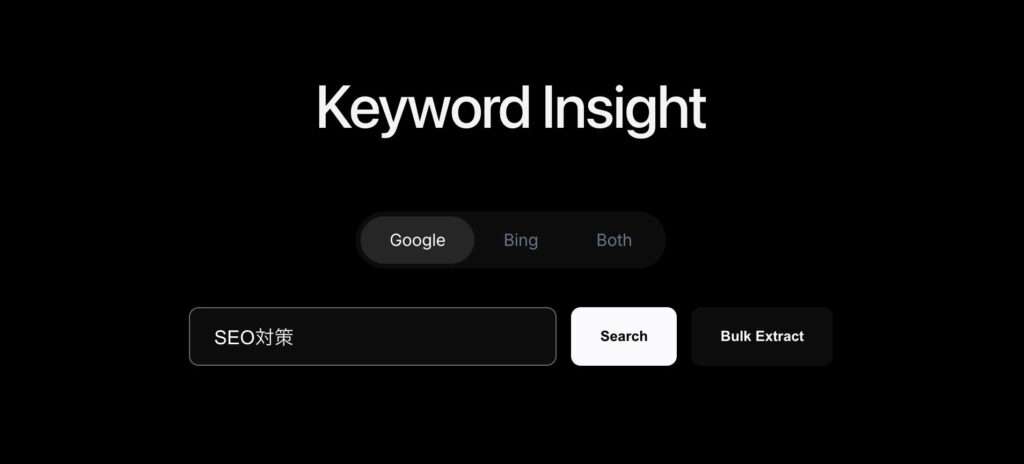
- Select your search engine — Choose Google, Bing, or Both using the selector at the top.
- Enter a keyword — Type your seed keyword into the search field (e.g.
Windows 11). - Search — Click Search to instantly fetch autocomplete suggestions.
- Bulk Extract — Click Bulk Extract to automatically collect all variations (keyword + あ, keyword + い, …) in one sweep.
- Explore suggestions — Each keyword in the list is clickable. Click any item to open its Google or Bing search results in a new tab.
- Copy results — Hit Copy on any card to copy the full keyword list to your clipboard.
GitHub
Source code and updates are available at:
👉 https://github.com/AtsushiCafeK/keyword_insight
Built with Vite + TypeScript. Styled for clarity and speed.
ad
